
Account access overview
Elements Casino
Login & Sign Up 2026
Great Canadian Rewards, Encore Rewards & In-Person Enrollment. Step-by-step login guide, BC photo-ID requirements, and everything you need to know about your Elements Casino loyalty account.
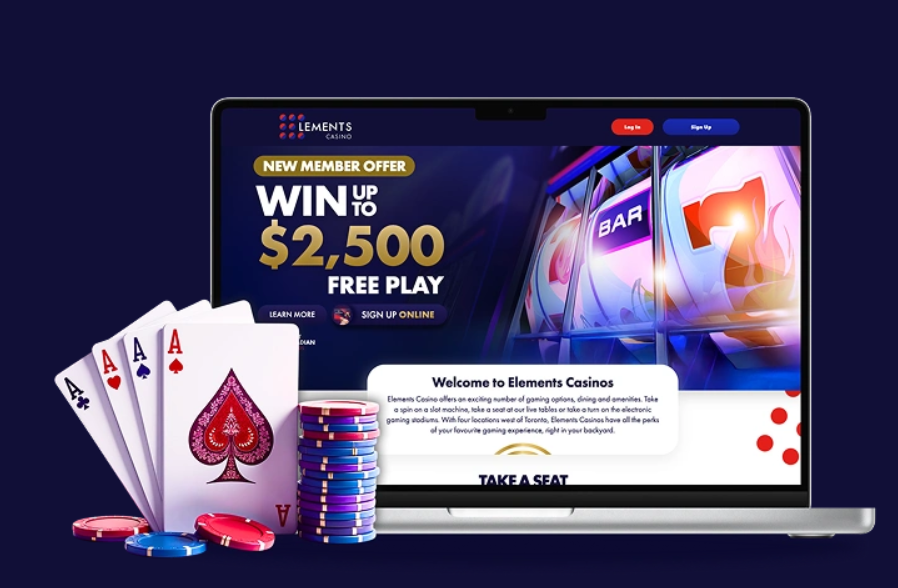
Important: "Logging in" at Elements Casino means accessing your Great Canadian Rewards or Encore Rewards loyalty account — not a gambling account. Elements Casino is a land-based brand. There is no online casino account for real-money play. For Ontario online gaming, see igamingontario.ca/operators. For BC online gaming, see PlayNow.com (BCLC).
Quick Reference

How to Login at Elements Casino — Great Canadian Rewards
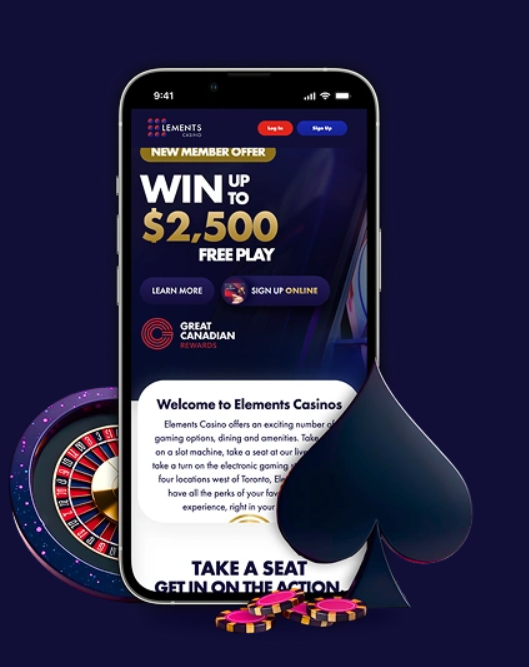
Great Canadian Rewards is the network-wide loyalty account used at all seven Elements Casino locations across Ontario and British Columbia, plus 18 other Great Canadian Entertainment properties.
Open your browser and navigate to greatcanadian.com/rewards
Safari on iPhone, Chrome on Android, or any modern desktop browser.
Click or tap "Sign In"
Found in the upper right corner of the page.
Enter your registered email address
This is the email used when enrolling — not a username. Use the same address you provided at Guest Services if you enrolled in person.
Enter your password
If logging in for the first time after online enrollment, you may first need to click the verification link sent to your email inbox.
Optional: select "Remember me"
On mobile, this enables biometric login (Face ID on iPhone, fingerprint on Android) on subsequent visits.
Your dashboard loads
Current tier · Total points balance · Personalised offers · Recent activity · Nearest property quick-link
Login to Great Canadian Rewards
Access your tier, points, and personalised offers from any device.
Login to Great Canadian Rewards →How to Sign Up for Elements Casino Rewards
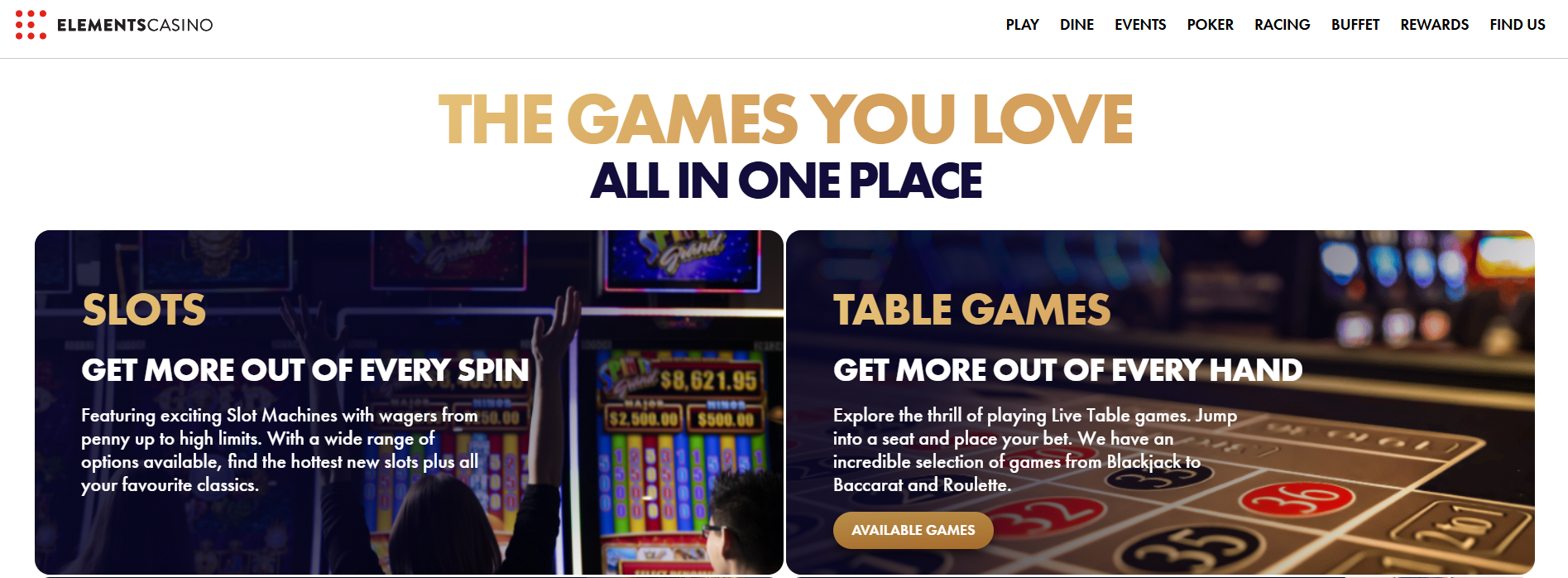

Great Canadian Rewards — Online
- Visit greatcanadian.com/rewards and click "Join Great Canadian Rewards"
- Complete the form: full legal name, date of birth, email, phone, Canadian mailing address, preferred home property
- Create a secure password (minimum 12 characters recommended)
- Accept the Terms & Conditions and Privacy Policy
- Check inbox for verification email and click the confirmation link
- Visit any Guest Services desk to pick up your physical card and activate your first-visit welcome offer
Recommended for BC Visitors
- Visit Guest Services at any Elements Casino location (Brantford, Flamboro, Grand River, Mohawk, Surrey, Chilliwack, or Victoria)
- Present government-issued photo ID
- Staff enters your profile — takes approximately 5 minutes
- Receive your physical Great Canadian Rewards card immediately
- Optional: link an online account at greatcanadian.com/rewards for mobile access
| Online Enrollment | In-Person Enrollment | |
|---|---|---|
| Time required | ~10 minutes | ~5 minutes |
| Required ID at enrollment | None (online) | Government photo ID |
| Physical card | Pick up at next visit | Issued immediately |
| Immediate bonus activation | After first property visit | Immediate |
| Best for | Players comfortable with self-service | BC visitors / those preferring personal service |
Sign Up for Great Canadian Rewards
Free membership · Instant activation · Win up to $10,000 in Slot Play as a new member
Sign Up for Free →19+. T&Cs apply. Valid through September 30, 2026.
BC Photo-ID Requirement — Critical for British Columbia Visitors
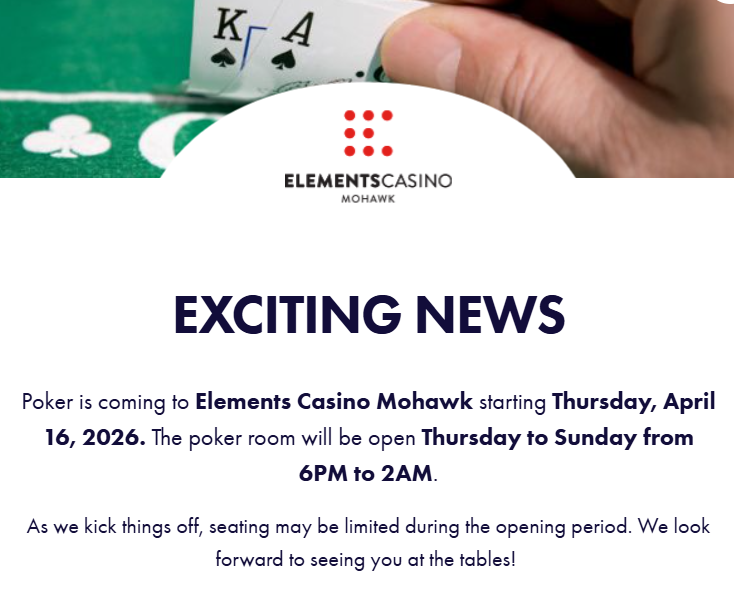
Since 2024, all visitors to British Columbia casino properties — including Elements Casino Surrey, Chilliwack, and Victoria — are required to present government-issued photo ID at entry to the gaming floor, regardless of apparent age.
This was implemented as part of a BCLC-led initiative to strengthen anti-money-laundering controls (FINTRAC compliance) and improve the enforcement of self-exclusion orders through photo-based identification at entry.
Accepted Photo ID Documents
- Canadian driver's licence
- Canadian passport
- BC Services Card (BCSC) / BC ID Card (BCID)
- Foreign passport
- Canadian Permanent Resident card
Self-Exclusion — Ontario & BC
Ontario — OLG SelfExclusion
- Enroll at olg.ca/selfexclusion or in person with government ID
- Minimum 6 months; options extend to lifetime
- Covers all AGCO-licensed venues including all four Elements Casino Ontario properties
- Photo ID cross-referenced at entry
- Removal requires formal written application
BC — GameSense Voluntary Self-Exclusion
- Enroll at bcresponsiblegambling.ca or in person with government ID
- Minimum 6 months; multi-year options available
- Covers all BCLC-licensed casinos in BC including Surrey, Chilliwack, Victoria
- Photo ID recognition at entry (linked to 2024 ID requirement policy)
- Removal requires formal application + mandatory waiting period
Help resources:
- ConnexOntario: 1-866-531-2600 (24/7 — Ontario)
- BC Problem Gambling Helpline: 1-888-795-6111 (24/7 — BC)
- Gamblers Anonymous Canada: gamblersanonymous.org
- GameSense BC: gamesense.com
- ProblemGambling.ca — national resource
Verdict — Account System Rating
Elements Casino Account System
The dual enrollment path (online and in-person) accommodates a wide range of user preferences. Responsible gambling tools — both GameSense (BC) and OLG SelfExclusion (ON) integrations — are well-implemented and clearly documented.
Best for: Canadians visiting Elements Casino properties who want to manage tier-tracked offers, dining discounts, and event access across a 25-property national network.
Not for: Players looking to open a real-money online casino account — Elements Casino does not provide this. Ontario online casino players should explore igamingontario.ca/operators. BC online casino players should visit PlayNow.com (BCLC).
Access Your Elements Casino Account
Login to your existing account or sign up for free in under 10 minutes.
Login to Great Canadian Rewards → Sign Up Free →Last updated: May 2026. Login flows tested on iOS 18 / Chrome for Android / Desktop Chrome.